What does Nobcode Lab cost?
The app is free with your Nobcode AI account, in the Microsoft Store and here. Code Lab, the AI agent and the Flows assistant are Premium features, like on the web, and the VS Code extension works with Premium too.
Microsoft Store or installer: which one should I take?
The Microsoft Store, if you can: Windows installs it without a warning and the Store keeps it up to date. The installer on this page is the same app for PCs without the Store; it isn't signed yet and asks you to update when a new version is out.
Where is the normal chat?
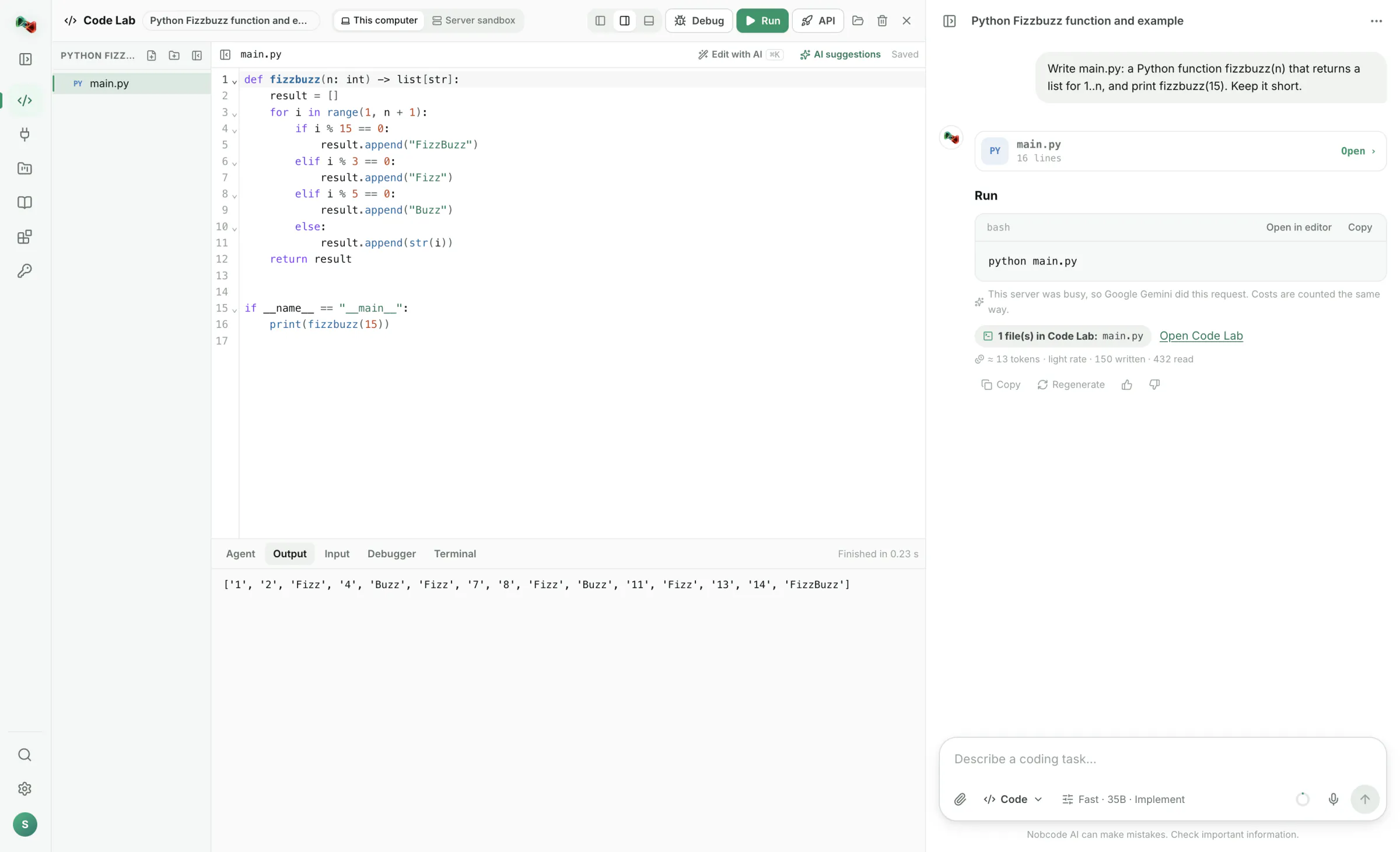
Nobcode Lab is made for code and machines. It opens on Code Lab, with Code Lab's AI chat on the right, and Integrations (devices, flows and models) come right after it. The plain chat, images and 3D stay on ai.nobco.de in your browser, with the same account.
What is the difference to Code Lab in the browser?
In the browser, code runs in a sandbox on our server. In Nobcode Lab it runs on your computer with your own tools, packages, files, camera and network, and you get devices, flows and your own AI models on top.
Can the AI control my machines?
The AI can read values and prepare devices and flows, and you confirm every change. It can't arm a device, write to a PLC or move a robot by itself: writing and moving only work while you have armed the device.
Do I need a GPU for training?
No. Models train on your processor. Pretrained networks make this fast: a small picture classifier is ready in seconds. Object detectors take longer, depending on how many pictures you use.
When will version 1.1 come to Mac?
Soon. Until then the Mac version 1.0.1 gives you Code Lab with your own tools, terminal and folders. Nobcode Lab tells you when an update is ready.
Why does Windows warn me when I install it?
Only the installer from this page does: it isn't signed with a certificate yet, so SmartScreen doesn't know it. Take Nobcode Lab from the Microsoft Store instead, or check the installer with its SHA-256 checksum above before you run it.
Do I need Nobcode Lab for the VS Code extension?
No. The extension works on its own: it brings the Coding AI into VS Code, opens your Code Lab projects as folders and keeps them in sync both ways. You sign in to your Nobcode AI account from VS Code.